Gallery

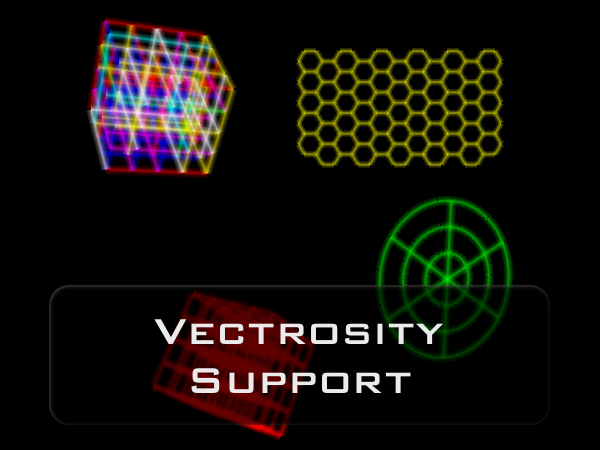
Click on one of the thumbnails to see the full image or mouse over for the description. The examples shown here are all included with Grid Framework. Please keep in mind that the Vectrosity example requires you to own a Vectrosity license.
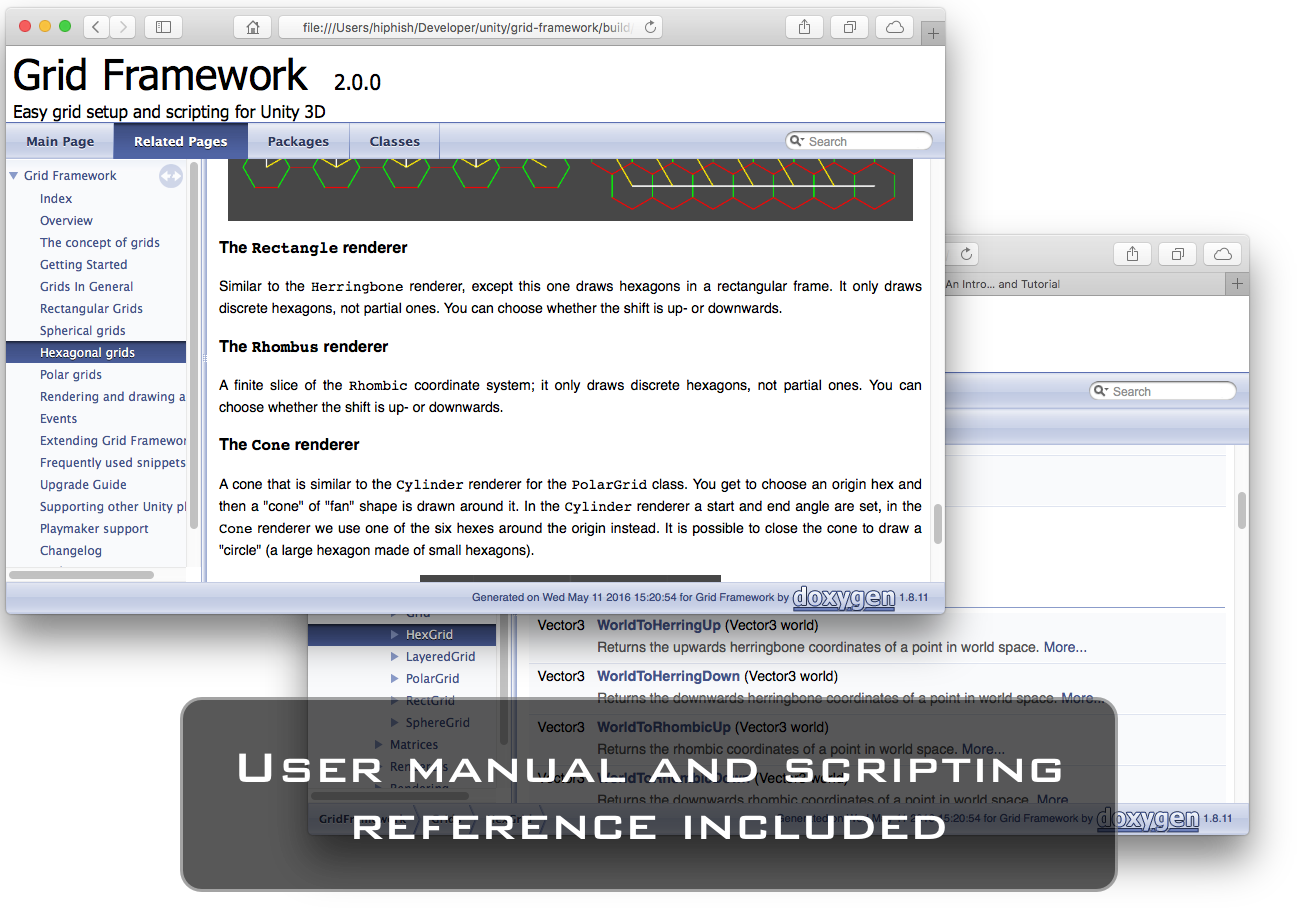
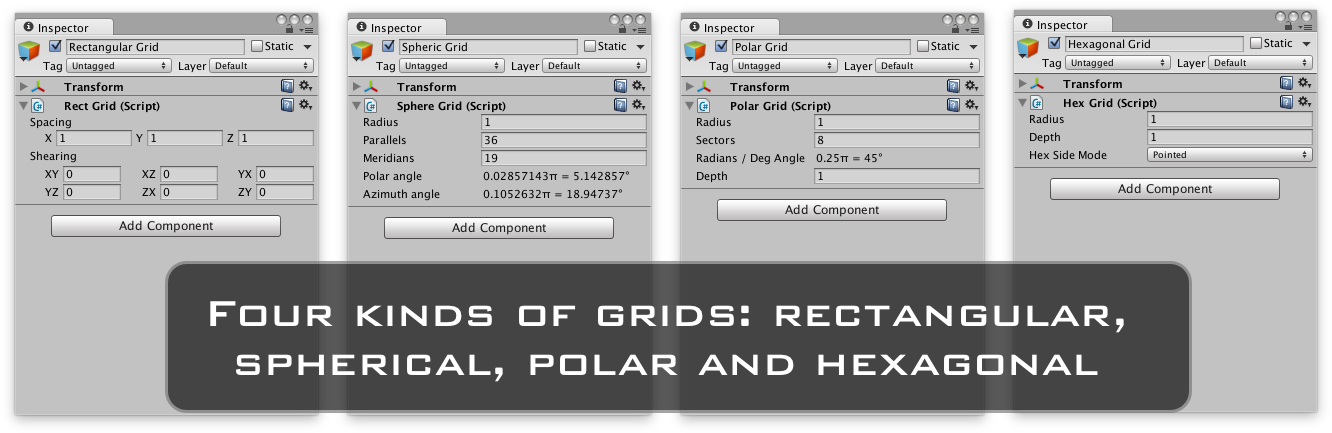
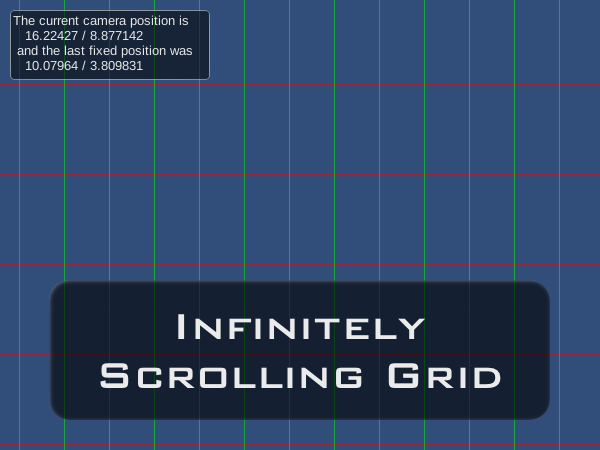
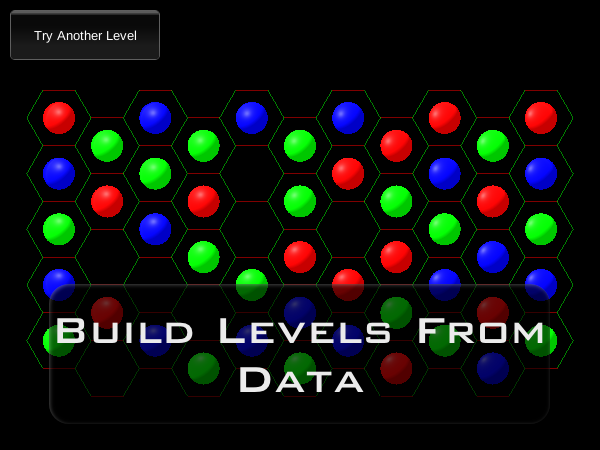
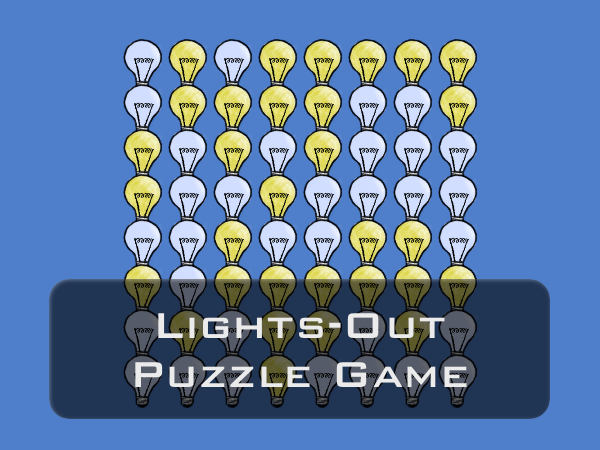
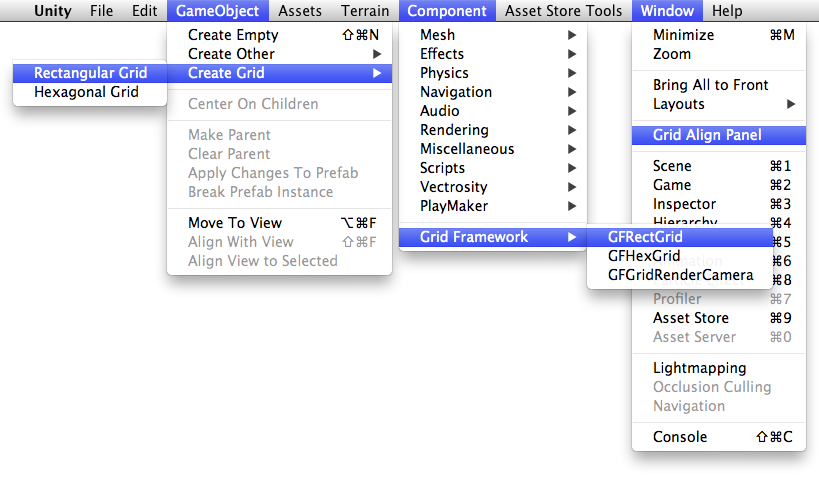
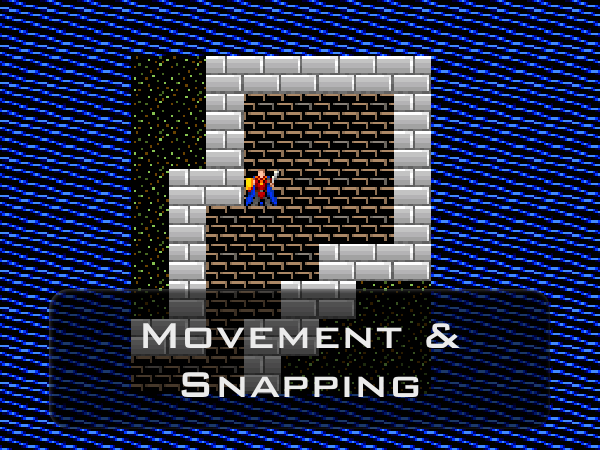
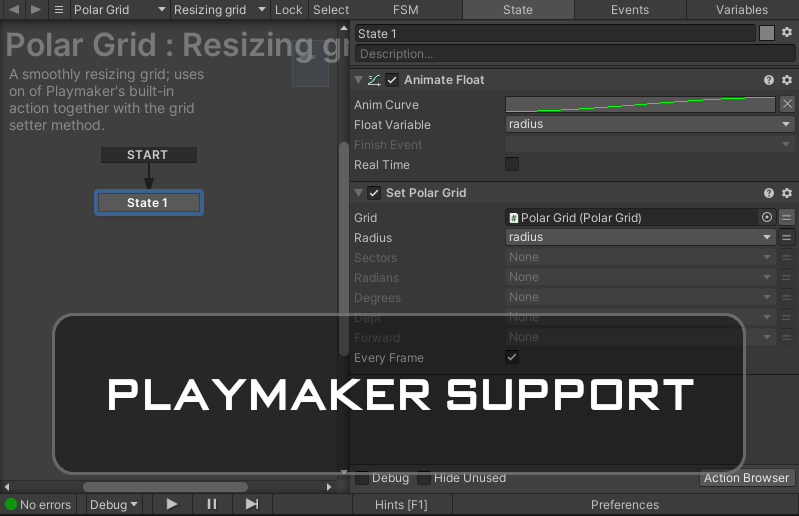
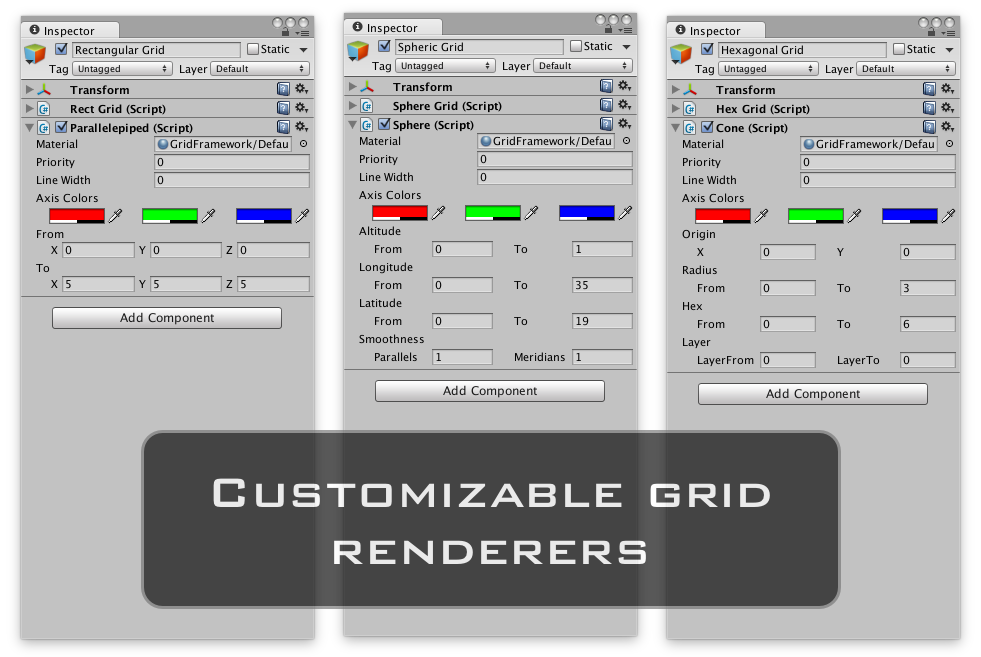
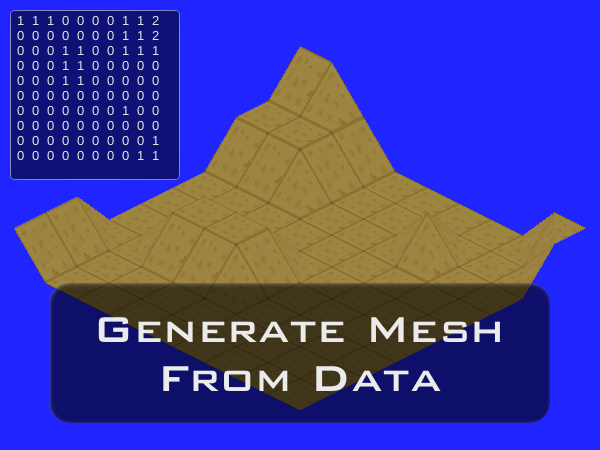
Use the grid coordinates of a point to drive an animation script. The user manual explains the components and how to use them, the scripting reference covers every part of the API. Adding a grid to the scene is as easy as assigning any other component in Unity. Adjust the range of grid renderer on the fly to create the illusion of an infinitely scrolling grid. Place objects in the world based on grid coordinates. The included example shows how a grid can be used as a common base of communication between unrelated objects. No menu clutter, everything fits inside Unity as it should. Use grids to compute way-points for grid-based movement. Playmaker bindings for the Grid Framework API enable visual scripting. Renderers display the grid in the scene; use one of the existing ones or write your own. Generate a mesh from simple data by converting the data to world-coordinates. Users of Vectrosity can have the lines of renderer generate with one method call.